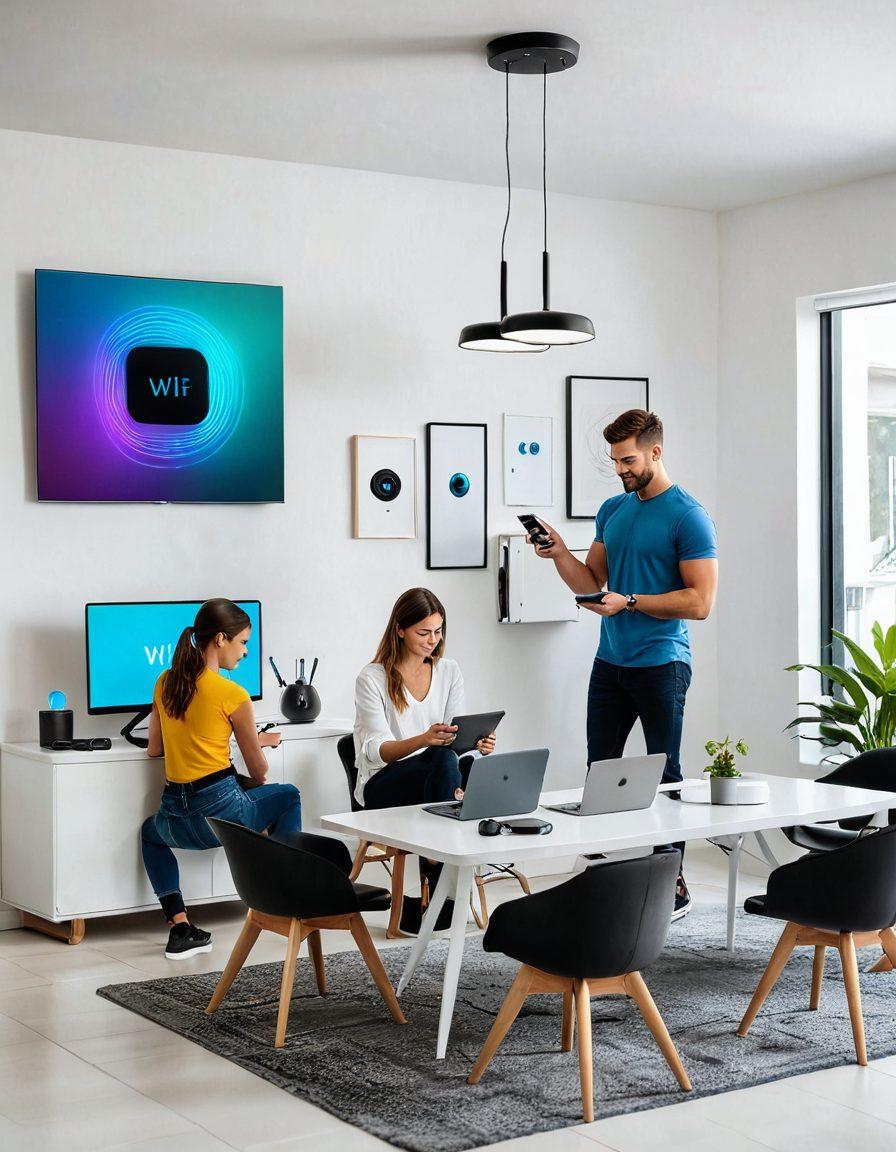
The Ultimate Guide to Boosting Your WiFi Performance: Tips and Solutions for Seamless Internet Connectivity
Have you ever felt like your WiFi connection has a mind of its own? One minute you’re streaming your favorite show, and the next, buffering ruins the climax. Fear not, for we've compiled a comprehensive list of WiFi performance hacks that will help you get the best from your wireless routers. With these practical tips and proven strategies, you'll transform your internet connectivity experience from frustrating to flawless.
First things first, proper placement of your wireless routers is paramount. Think of your WiFi router as a glittering beacon of high-speed internet; you need to place it somewhere open and elevated to radiate its magical connectivity. By positioning it centrally in your home, you ensure that the wireless internet signal can reach every corner. Avoid hiding it in cabinets or placing it close to electrical appliances, as these can interfere with the signal. This simple yet effective wifi setup can significantly boost your WiFi coverage.
Next on the list is finding the least crowded channel for your WiFi. Did you know your wireless networking neighbors could be crowding your signal? With tools and apps like WiFi Analyzer, you can identify the most congested channels in your area and switch to a less crowded one. This quick change can greatly improve your wifi performance by reducing interference and ensuring smoother connectivity. It's one of the best wifi solutions for those plagued by buffering and slow download speeds.
Let’s talk about the magical world of dual-band and tri-band routers. If you’re a fan of high-speed internet (and let’s be honest, who isn't?), upgrading to one of these advanced wireless routers could be a game-changer. These routers operate on multiple frequencies, allowing more devices to connect without slowing each other down. Ideal for homes with multiple devices, they can significantly enhance your wireless internet access and ensure seamless surfing, streaming, and gaming experiences.
Security is another important aspect of boosting WiFi performance. Ensuring your wifi security isn't just about keeping out freeloaders; it's also about protecting your data and maintaining optimal performance. Use strong passwords and WPA3 encryption to safeguard your wifi networks. Additionally, regular updates to your router firmware can patch vulnerabilities and improve performance. Remember, a secure network is a fast network.
Lastly, consider combining your efforts with quality wireless access points and range extenders to cover those pesky dead zones. Sometimes, even with the best setup, some areas in your home might experience poor internet access. Installing additional access points or extenders can amplify your wireless broadband signals, ensuring every room receives optimal connectivity. With these wifi management tips, a seamless internet experience is not just a dream but a reality.
Optimizing Home WiFi: Tips from Installation to Security
Have you ever found yourself pacing around your home, desperately searching for that sweet spot where your WiFi signal is strong and reliable? If so, you’re not alone—many of us struggle with optimizing our home WiFi to achieve seamless internet connectivity. Today, we’ll dive into expert strategies for boosting your home WiFi, from installation tips to robust security measures. These insights will help you transform your wireless internet experience, allowing you to enjoy high-speed internet no matter where you are in your home.
First things first: the foundation of a solid WiFi network begins with a proper WiFi setup and installation. Position your wireless router in a central location within your home, away from walls and obstructions that could hamper signal strength. Did you know certain household items, like microwaves and cordless phones, can interfere with your WiFi signal? Keep your router away from these devices to ensure better WiFi coverage. Investing in an advanced wireless router, compatible with the latest wifi technology standards, is crucial. These modern routers are designed to handle multiple devices and high-bandwidth applications, making them ideal for busy households.
Let’s not forget the importance of regular maintenance in your pursuit of optimal wifi performance. Just like any other technology, WiFi systems need updates and occasional tweaks for peak performance. Keep your router’s firmware updated to benefit from the latest security patches and feature improvements. Use tools and apps dedicated to WiFi management to monitor and optimize your wireless internet access. If your home is large or has dead zones, consider adding wireless access points or mesh networking systems. These solutions can extend your WiFi coverage, ensuring a strong, consistent signal throughout your home.
Security is another critical component of an optimized home WiFi network. You wouldn’t leave your front door unlocked, so why leave your WiFi vulnerable? Secure your wireless internet access with strong, unique passwords and consider using WPA3 encryption for better protection. Many high-quality routers today also come with built-in security features like firewalls and guest network options, which can keep your main network safe while allowing visitors to access the internet. Remember, a secure WiFi network isn’t just about protecting your data; it’s also about maintaining your overall internet performance. Unauthorized users can slow down your connection and make your high-speed internet feel like dial-up.
Finally, even the best WiFi systems sometimes need a little extra help. Don’t hesitate to explore professional wifi solutions and services if you’re struggling with persistent issues. An experienced technician can evaluate your setup and recommend advanced networking solutions tailored to your needs. Whether it’s upgrading your wireless technology or improving your wifi installation, a pro can ensure you get the most out of your wireless networking experience. After all, in today’s connected world, reliable internet access isn’t a luxury—it’s a necessity. So why settle for less when a few strategic changes can give you the seamless internet connectivity you deserve?
Maximize WiFi Coverage: Proven Solutions for Better Internet Access
In a world where streaming, gaming, and working from home have become the norm, having robust internet connectivity is no longer a luxury—it's a necessity. Yet, despite paying for high-speed internet, many of us find ourselves struggling with poor WiFi coverage, frustrating dead zones, and interrupted connections. If you're nodding along, wondering why your home WiFi isn't living up to your expectations, you're in the right place. Let’s dive into proven solutions to maximize WiFi coverage and ensure you get the internet access you deserve.
One of the first steps in boosting your WiFi performance is to examine your current setup. Many people underestimate the importance of their router’s placement. Have you ever thought about how a mere location change might drastically improve your wireless internet access? Position your wireless routers in central locations, elevated if possible, to distribute signals evenly throughout your entire home. Walls, metal objects, and even large furniture can block signals, so avoid placing routers in basements or behind thick walls.
In addition to a strategic router placement, investing in quality WiFi technology is paramount. Are you still using an outdated router? Upgrading to the latest wireless routers can offer a significant boost in internet connectivity. Modern routers come equipped with advanced features like dual-band and tri-band frequencies, beamforming technology, and mesh WiFi systems. These features help in managing and distributing wireless broadband more effectively, allowing multiple devices to connect seamlessly and ensuring better internet access across different parts of your home.
Next, consider adding wireless access points or WiFi extenders in areas where signal strength tends to drop. WiFi solutions such as these are game-changers for larger homes or multi-story buildings. They work by amplifying your existing WiFi signal, ensuring that no corner of your home remains out of reach. Imagine streaming your favorite show in the attic or participating in a video call from the backyard without any hiccups—sounds great, right? These networking solutions make it possible.
Lastly, WiFi management and security are crucial aspects often overlooked. Is your WiFi network secure? A poorly secured network can attract unwanted intrusions, slowing down your high-speed internet and compromising personal data. Ensure your network password is strong and change it regularly. Consider enabling WPA3 for enhanced wireless technology protection. For optimal performance and fewer disruptions, don't forget to regularly update your router’s firmware and monitor the number of connected devices. Effective WiFi setup and regular maintenance can turn your wireless internet experience into a powerhouse of reliability.
To wrap it up, maximizing WiFi coverage takes a bit of strategy, investment, and continuous management. By relocating your router, upgrading to new WiFi technology, installing wireless access points, and securing your network, you can transform your home WiFi into a robust, seamless internet experience. Why settle for spotty connections when Wifly advancements and WIFI solutions are readily available to bring every corner of your home online? Embrace these tips and witness the power of impeccable internet connectivity!